PurpleCallio is a developer-focused real-time communication infrastructure platform for adding audio, video, and screen sharing to web applications. Instead of building WebRTC signaling, authentication, participant sessions, and calling interfaces from scratch, developers can integrate PurpleCallio through hosted UI, React components, a headless SDK, or REST APIs.
// 1. Create a call from your backend
const { callId, hostedUrl, participants } = await PurpleCallio.createCall({ callerId, receiverId })

// 2. Redirect each user — you're done
redirect(alice, participants[0].hostedUrl)
redirect(bob, participants[1].hostedUrl)
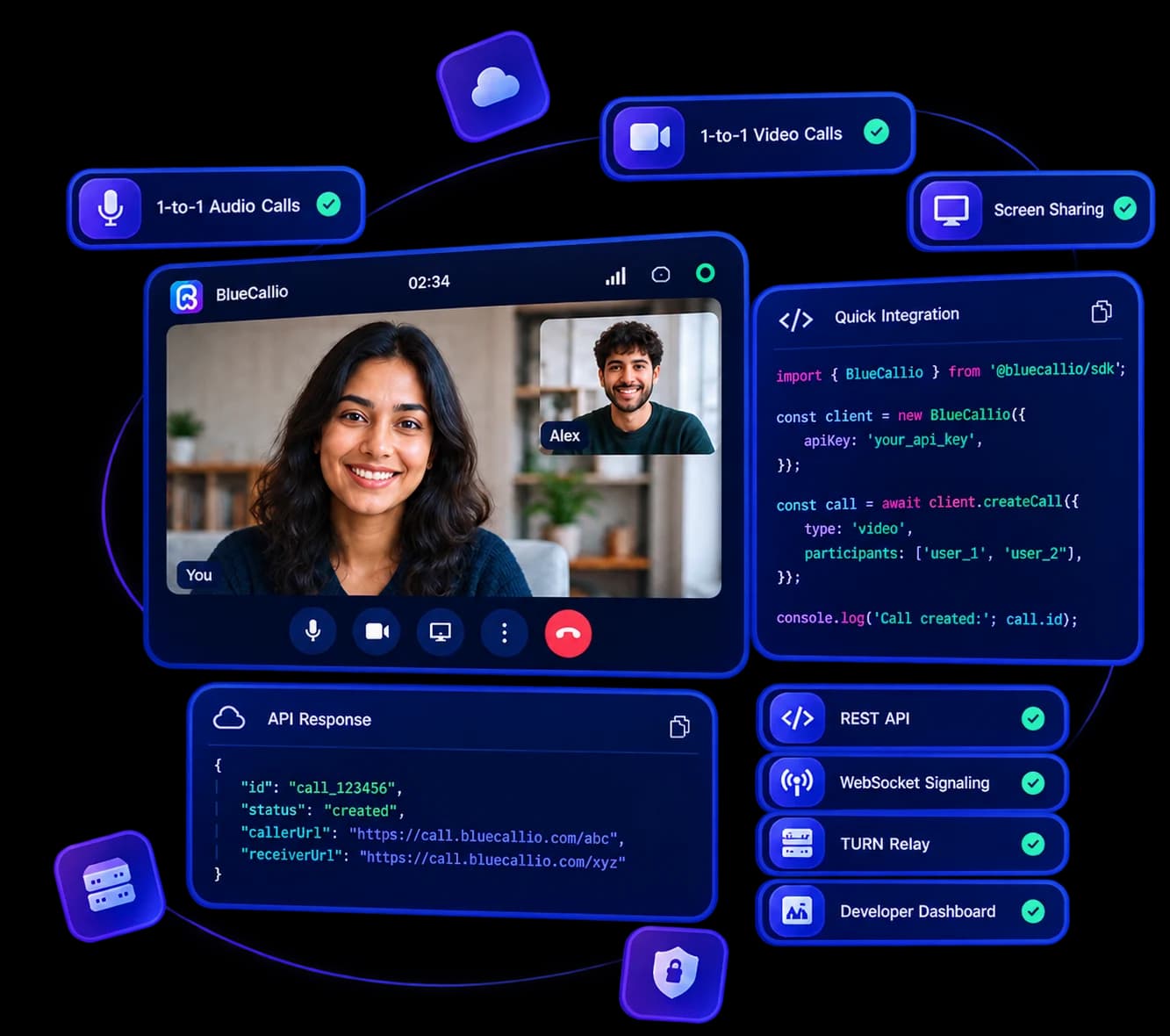
Choose your integration
Keep your authentication, business logic, permissions, branding, and database. PurpleCallio provides the call lifecycle, participant sessions, signaling, WebRTC setup, TURN relay, media controls, webhooks, and usage tracking.
Hosted UI
import { PurpleCallioClient } from "@purplecallio/sdk";

const client = new PurpleCallioClient({ apiKey: process.env.PURPLECALLIO_API_KEY! });
const call = await client.createCall({ callerId, receiverId });
redirect(call.callerUrl);
Why PurpleCallio
Building browser communication means connecting product logic to participant access, signaling, media controls, and the WebRTC connection lifecycle.
The problem today
A server-controlled call and participant-access flow
Real-time signaling alongside application state
WebRTC connection setup and restrictive-network paths
Media controls, device selection, and screen sharing
Usage tracking that belongs with the product integration
The PurpleCallio way
Server APIs for call creation and participant access
Hosted UI, React components, or a headless SDK
WebSocket signaling and TURN relay around browser WebRTC
Documentation and copyable integration examples
Usage and billing tools in the developer dashboard
How it works
Select a step to see where PurpleCallio fits into the communication flow.
Your backend
Your application decides when to create a call and which users may participate.
Who it's for
PurpleCallio is B2B infrastructure. Your customers never know it exists — it just works, invisibly, inside your product.
HR & Recruitment
Interview candidates inside your hiring platform. No third-party meeting links, no context switching.
Telemedicine
Doctor-patient consultations embedded in a healthcare product, with the product team controlling its own access flow.
CRM & Sales
Call leads without leaving the CRM. Call records attach to the contact automatically.
Customer Support
Let agents and customers connect inside the support workflow without moving to a separate meeting product.
EdTech
Live tutoring and classes built into your learning platform. Students never leave your product.
Marketplace
Buyers and sellers meet face-to-face inside your platform before any transaction.
Products
Choose the integration style that fits your product. All three are powered by the same REST + WebSocket backend — so you can move between them without changing your server-side code.
The fastest way to integrate PurpleCallio.
Create a call from your backend and redirect users to a PurpleCallio-hosted meeting page. No frontend implementation required.
Ready-made meeting interface
Video, audio & screen sharing
Device selection
Waiting room
Branding support
Fully responsive
Create a call, redirect your users, done.
Learn more in docs →A custom interface without building a meeting app.
Reusable React components for developers who want a branded experience without touching WebRTC, signaling, or media handling.
MeetingProvider & MeetingRoom
ParticipantGrid / ParticipantTile
Control bar buttons
DeviceSelector panel
WaitingRoom panel
Connection & speaking indicators
Build a fully branded meeting experience.
Learn more in docs →Complete control over the meeting experience.
Just the communication engine — no UI included. You build the interface, PurpleCallio handles signaling, auth, and media infrastructure.
join() / leave()
camera & microphone controls
screenShare.start() / stop()
participants() & connectionState()
Full event system
Type-safe TypeScript
Build your own UI on a proven engine.
Learn more in docs →What you get
Audio & Video Calls
Browser audio and video communication built on WebRTC, with usage-based pricing and no fixed platform subscription.
Screen Sharing
Share a desktop or application window mid-call — no extra integration required.
Hosted Call UI
A ready-made branded call page at a URL you control. No frontend SDK, no React dependency.
REST API
Create, accept, reject, end, join, and leave calls with plain HTTP. Any language, any framework.
WebSocket Signaling
Standardized real-time events — call.started, participant.joined, media state — handled server-side.
React Components
Reusable MeetingProvider, ParticipantGrid, and controls for a custom UI without implementing the media engine yourself.
Headless SDK
meeting.join(), camera.enable(), screenShare.start() — complete control with the @purplecallio/sdk engine.
Waiting Room
Built-in waiting room for scheduled meetings. Guests wait until the host lets them in.
Device Selection
Let users pick their camera, microphone, and speaker before and during a call.
Hosted UI Branding
Your logo, your company name, your colors. The hosted page matches your product on every call.
Webhook Events
Receive signed HTTP POSTs when call state changes. HMAC-SHA256 verified.
Per-project API Keys
Isolate credentials per product or environment. Rotate without downtime.
TURN Relay
Built-in TURN server for calls behind strict firewalls. Time-limited HMAC credentials.
Developer Dashboard
Manage projects, API keys, calls history, and usage minutes from one dashboard.
Node.js SDK
An npm package for the REST API and headless communication engine, with TypeScript support.
Live Playground
Start a demo session, then share its invite link or QR code with another device. Test audio, video, and screen sharing before integrating.
Start building →Start a demo call
Create one session
Share the invite link or QR code
Connect and test media controls
Pricing
Audio, video, and screen sharing are tracked as separate participant-minute categories. Current rates and allowances are loaded from PurpleCallio's billing service.
Start Free
Build, test and prototype free. Add a card only when you go to production.
Every paid plan starts free. No credit card required to begin.
Current audio allowance loading
Current video allowance loading
Unlimited projects & developers
Hosted Meeting UI
React UI Components
Headless SDK
REST API + WebSocket Signaling
Device selection & screen sharing
Developer Dashboard
API Playground & documentation
Pay only for what you use
No subscriptions. No up-front fees. Billed per participant-minute at the end of each month.
Audio
Loading…
/ participant-minute
Loading current allowance…
Video
Loading…
/ participant-minute
Loading current allowance…
Screen Share
Loading…
/ participant-minute
A separate usage category. No free allowance.
Add a payment method in the dashboard — you'll only be charged for minutes beyond the free allowance. GST of % applies on billable usage.
Dedicated TURN servers
White-label / custom branding
Custom SLA & 99.99% uptime
Dedicated account manager
Priority engineering support
Custom integrations & migration
Volume discounts & custom billing
Private / on-premise deployment (future)
Every account includes
The complete platform — same features on the free tier and pay-as-you-go. You only pay for minutes beyond the free allowance.
Hosted Meeting UI
React UI Components
Headless SDK
REST API
WebSocket Signaling
Authentication
Video Calling
Audio Calling
Screen Sharing
Device Selection
API Playground
Documentation
Dashboard
Per-project API Keys
Webhook Events
TURN Relay
Questions about pricing?
We've answered the most common questions about the free tier, metered rates, payment methods, and monthly invoices. If you still need help, our engineers are one email away.
All rates in INR. Audio, video, and screen sharing are billed as separate participant-minute categories. GST of % applies on billable usage.
Support
When something breaks, you need a fast answer from someone who actually knows the stack — not a chatbot pointing to a FAQ. PurpleCallio support is run by the engineers who built it.
Fast Response
Technical engineers, not marketing bots.
Clear Docs
Quick start, copy buttons, examples in multiple languages.
Working Examples
Node.js, Python, cURL — drop in and it works.
Developer support
Get help with implementation and product questions.
Create an account, make a project, get your API key. First call in under ten minutes.